Revive an old family photo
Give a grandparent's portrait a gentle head turn and a blink, so a flat archive image feels present again.
Make any photo move, free, in your browser. Upload a still image and watch it come to life in real time — you control how it moves, with no download and no render wait.
A photo to video AI takes a single still image and generates the frames a camera never captured, so the picture moves. LiveGen does this live: you upload one photo, drag on it to say where the motion should go, and the result streams back as video while you are still dragging. If you came here looking for a way to make a photo a video, to turn a photo into a live photo for a lock screen, or to make a photo come to life for a post, this is the same job under three names. It is not a slideshow maker: if you want to stitch many pictures into a movie with music, or place a photo alongside video on a timeline, a conventional editor is the right tool and this page says so again under limits.
Drop in the still image you want to bring to life (old photo, portrait, or any picture).
Pick a motion preset, or drag directly on the image to guide the movement.
See the photo animate in real time, then save or share the moving version.
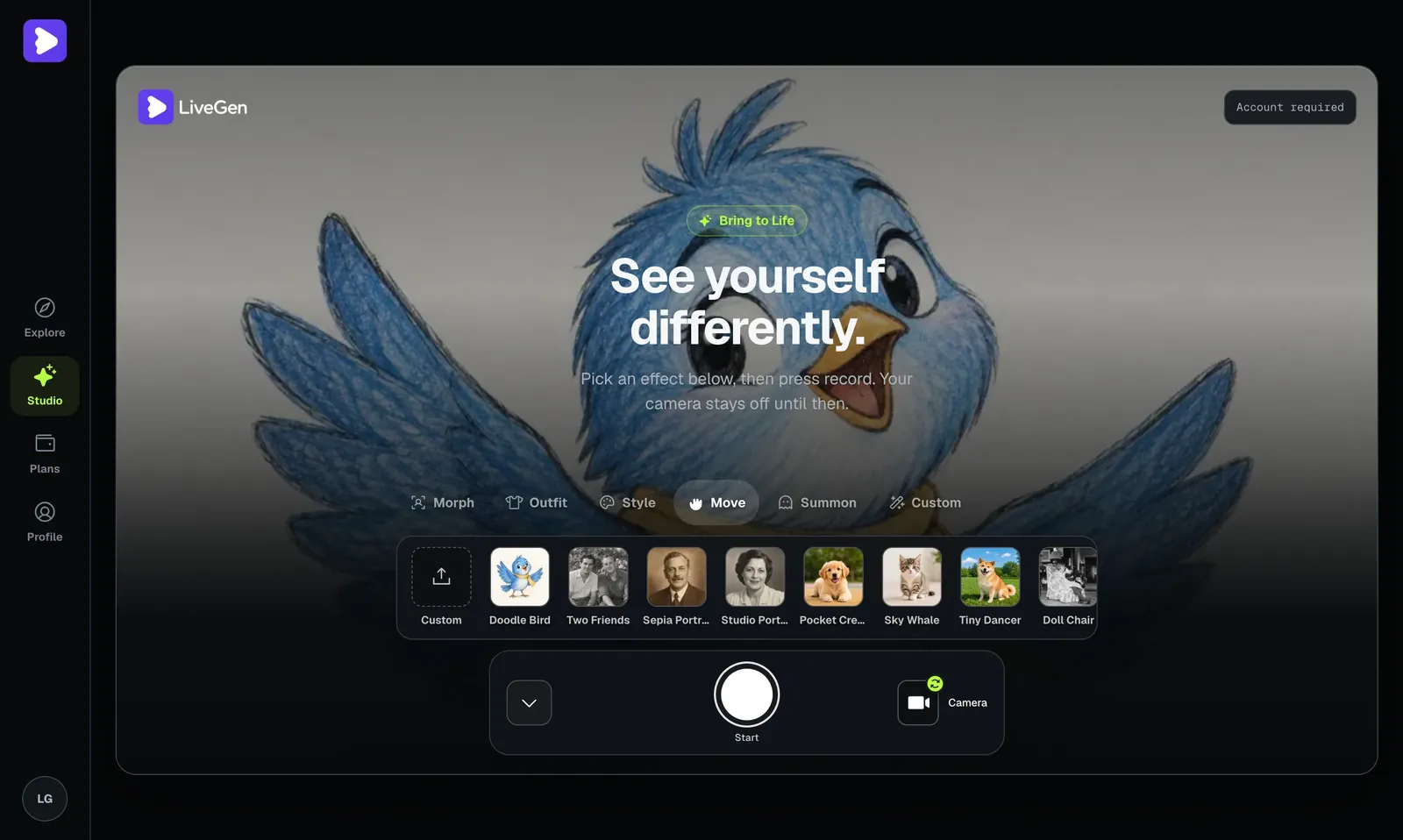
When you make a photo move with LiveGen, you're not locked into one canned wiggle. Because you steer the motion yourself, the same tool covers a wide range of results:
Give a grandparent's portrait a gentle head turn and a blink, so a flat archive image feels present again.
Add subtle motion to a recent photo for a profile clip, a lock-screen loop, or a "living picture" post.
Nudge your dog or cat's photo into a head tilt or a slow look toward the camera.
Take a drawing, painting, or AI-generated image and give it drifting, cinematic movement.
Animate a photo free for a TikTok, Reel, or Story where a still image would scroll past unnoticed.
A small, directed movement draws the eye far more than a static frame.
Once you've animated a photo, you can keep going: morph the subject into a new character with live morph or restyle it first with the Anime Filter Online so your moving photo starts from a completely new look.
| What LiveGen accepts or produces | |
|---|---|
| Input image types | JPG, PNG, or WebP, up to 10 MB per image |
| Input count | One still per session. It animates a single picture; it does not merge several |
| Output format | MP4 on most browsers; WebM where the browser cannot record MP4 |
| Clip length | Metered, not fixed: generation uses one credit per second of live video, and a saved clip is capped at 64 MB |
| Resolution | Follows the orientation of your source image. Free exports are watermarked; paid tiers remove the watermark and add HD |
| Audio | None is generated. Add sound in your editor afterwards |
Want it as a live photo? Export the clip, then set it as a Live Photo or video wallpaper with your phone's own tools. LiveGen produces a standard video file, not Apple's Live Photo container, so that last step happens on the device.
New users get free credits to animate your first image.
Drag on the image to direct exactly how it moves, not a fixed random animation. Want a slow pan? A single blink? A head that turns toward the light? You draw the path.
Watch the photo come to life as you adjust it, with no waiting for a render queue to finish.
Portraits, old scans, pets, illustrations, product photos; if it's a picture, you can try to make it move.
Runs on desktop and mobile, with nothing to install and no plugin or GPU on your side.
Export your moving photo and share it in one tap. Free exports carry a watermark; paid tiers remove it and add HD.
Most photo to video online tools work in batches: you upload an image, submit a job, and wait — sometimes minutes — for a server to render a clip you then download and hope you like. If the motion is wrong, you start over and wait again.
LiveGen is built differently. Your photo animates live in the browser and streams straight into a standard video player as you direct it. Drag to set the motion and the image responds immediately, so you're shaping the result in the moment instead of guessing at a prompt and waiting for a verdict. That tight feedback loop is the whole point: you see the movement, adjust it, and lock in the version you actually want — no render lottery.
It also means the tool is genuinely interactive. You can try a subtle drift, then a bolder turn, then dial it back, all in seconds. The underlying capability is LiveGen's Bring to Life feature, which is designed for exactly this kind of hands-on, real-time control over how a still image moves.
The large suites approach this as a template or a render job. Adobe Express and Canva are strongest when you want to arrange photos on a timeline, add titles and music, and export a finished slideshow; their AI animation features submit a request and return a clip. Dedicated generators work the same way: write a prompt, wait, review, retry.
LiveGen is narrower and faster. It does one thing, moving a single still under your direct control, and it does it as a live stream rather than a queued render. That matters when the motion itself is the point: you see a head turn while you are dragging it, so correcting it takes a second instead of another render. It matters much less if what you need is a polished multi-photo movie. For that, use an editor, and bring a LiveGen clip into it as one of the shots.
Being straight about limits saves you a wasted session:
Turning a folder of pictures into a movie with transitions and music is an editor's job.
, voices, or lip sync.
The model invents what it cannot see. A small head turn looks natural; asking a front-facing portrait to turn fully around produces guesswork.
Fine patterns, text, and hands are the first things to warp.
Usage is metered per second, so this suits loops and social clips, not minutes of footage.
If you searched for a "video mover" to reposition a clip inside a frame, that is a different tool.
Want the longer version? How to turn a photo into a video compares every route, from a phone's Live Photo tools to AI animation, and photo to video vs live generation explains what changes when frames are generated as a stream instead of a render job.
Sharp, evenly lit images animate the cleanest; heavy blur or deep shadow gives the model less to work with.
A subject looking roughly toward the camera produces the most natural head turns and blinks.
Gentle drags read as lifelike; huge, fast movements can look uncanny. You can always push further once the subtle version looks right.
More detail in the original photo means more detail survives in the moving version.
If you're animating a recognizable person, make sure you have their permission — uploads are moderated and a Content Policy applies.
A family portrait, a childhood picture — who wants to see it come to life.
Who want a moving visual for social media without learning animation software.
Looking for a fast way to animate a still image for a video or post.
Who want a scroll-stopping moving image from a product shot or poster.
Fans use the same tool for character content: a moving portrait of a favorite character is the simplest kind of self-ship video, and the self-insert video guide covers putting yourself in the frame as well.
If your goal is short-form social specifically, pair this with AI Video Effects for TikTok to see how a moving photo fits into a full clip.
Yes. Uploading a photo and making it move for the first time is free, and new users get free credits (verify current pricing for paid tiers).
LiveGen runs in the browser on desktop and mobile, so there is no app to install. Open the page, upload the picture, and direct the motion on screen.
Not here. LiveGen animates one still at a time. To combine pictures into a movie, export each moving clip and assemble them in a video editor.
No. Upload a photo, pick or drag a motion, and LiveGen handles the rest — live, in your browser.
Drag directly on the image to guide the motion, or choose a ready-made motion preset if you'd rather not fine-tune it.
No. Everything runs in your browser on desktop or mobile, with nothing to install.
Yes — upload any still image you want to animate, from an old family photo to a recent selfie. Clear, well-lit, face-forward photos tend to give the most natural results.
There's no render queue. Your photo animates in real time as you direct it, so you see the moving version immediately instead of waiting for a batch job.
Free exports include a watermark. Paid tiers remove the watermark and add HD output (verify current pricing).
Yes, but only with that person's consent. Uploads are moderated and a Content Policy applies to protect against misuse of someone's likeness.
Open your camera and play any character live — free to start.
Start generating free