Key takeaways: oshi, oshikatsu, and meeting yours
- Oshi names where your support goes. Oshikatsu is the routine that support turns into: merch, birthdays, streams, trips, and things you make.
- An oshi is not the same as a K-pop bias or an F/O, short for fictional other. A bias is a preference inside a group, an F/O is a relationship frame with a fictional character, and an oshi is about backing someone.
- A Summon clip is a live camera composite generated while you move. It is not a hologram, and it is not a file rendered offline.
- Fictional characters and your own original characters are the safe case. Real idols, streamers, and VTubers only with their permission.
- Live generation favors responsiveness over per-frame polish, so small details come out softer than in a slow offline render.
From merch shelves to live clips: how oshikatsu content gets made
The dictionary side of the word is short, and the oshi meaning entry in our glossary already covers the origin and the word family. What a definition cannot show you is what fans do all week. Oshikatsu, written 推し活 and usually translated as "oshi activities," tends to fall into a few habits:
- ✓Collecting and displaying. Acrylic stands, can badges, photo cards, and plush toys, arranged on a shelf or pinned across an itabag, a bag covered in goods of one character.
- ✓Taking your oshi out. Fans carry an acrylic stand or a small plush to a cafe, set it next to the drink, and photograph the two together. A trip photo with the stand in the foreground is a genre of its own.
- ✓Keeping the calendar. Birthdays and debut anniversaries get real preparation: a cake in the oshi's signature color, merch arranged around it, a photo posted with the birthday hashtag.
- ✓Showing up. Concert tickets, penlights set to the member color, stream memberships, and for VTuber fans, clipping and translating streams so more people can find them.
- ✓Making things. Fan art, video edits, handmade badge covers, decorated photo card holders.
Most of what gets posted from these habits is photos and edits, and an edit is a batch job. You collect the source clips, cut them, export, and wait. Most AI video tools follow the same pattern: you upload a file, a server renders every frame of the clip offline, and a finished video comes back minutes later. If the framing is wrong or the character drifts, you change the input and render again.
LiveGen works the other way around. Your camera streams to LiveGen's real-time engine over WebRTC, and the transformed video streams back while you are still moving. Frames are produced continuously, so you watch your oshi appear on the desk as you wave, and you fix the angle or the lighting on the spot instead of after a render. The honest trade-off: live generation puts responsiveness ahead of per-frame polish. Fine detail such as lettering on a costume, small prints, hands, and fast motion can look softer than a slow offline render of the same scene.
How to film a meet-your-oshi clip with Summon
Summon places a virtual character into your real room on the live feed. The character is anchored to a surface and reacts to hand gestures. If you want occasion ideas before you start, the meet your oshi in your own room page collects the moments fans film most. The steps themselves are short:
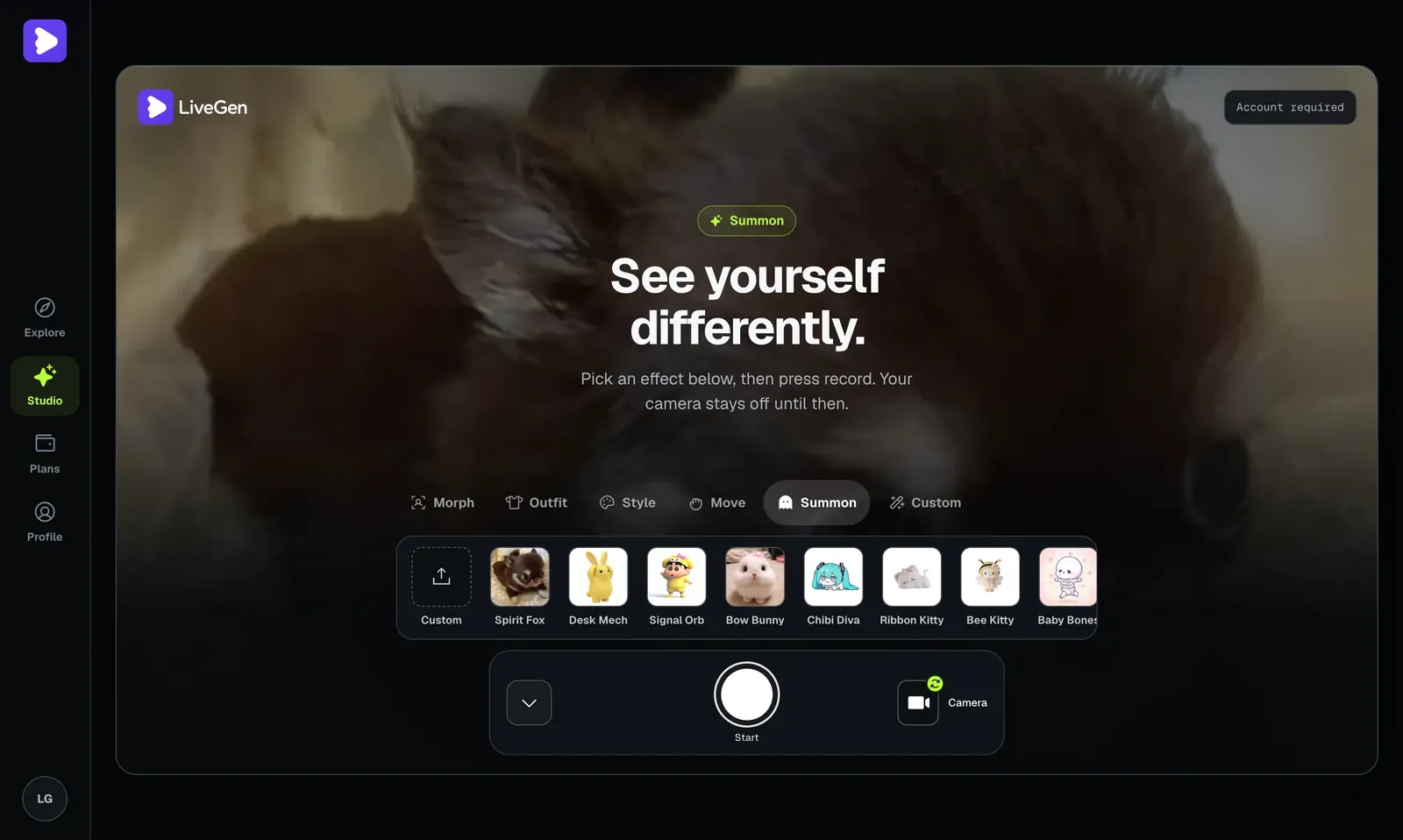
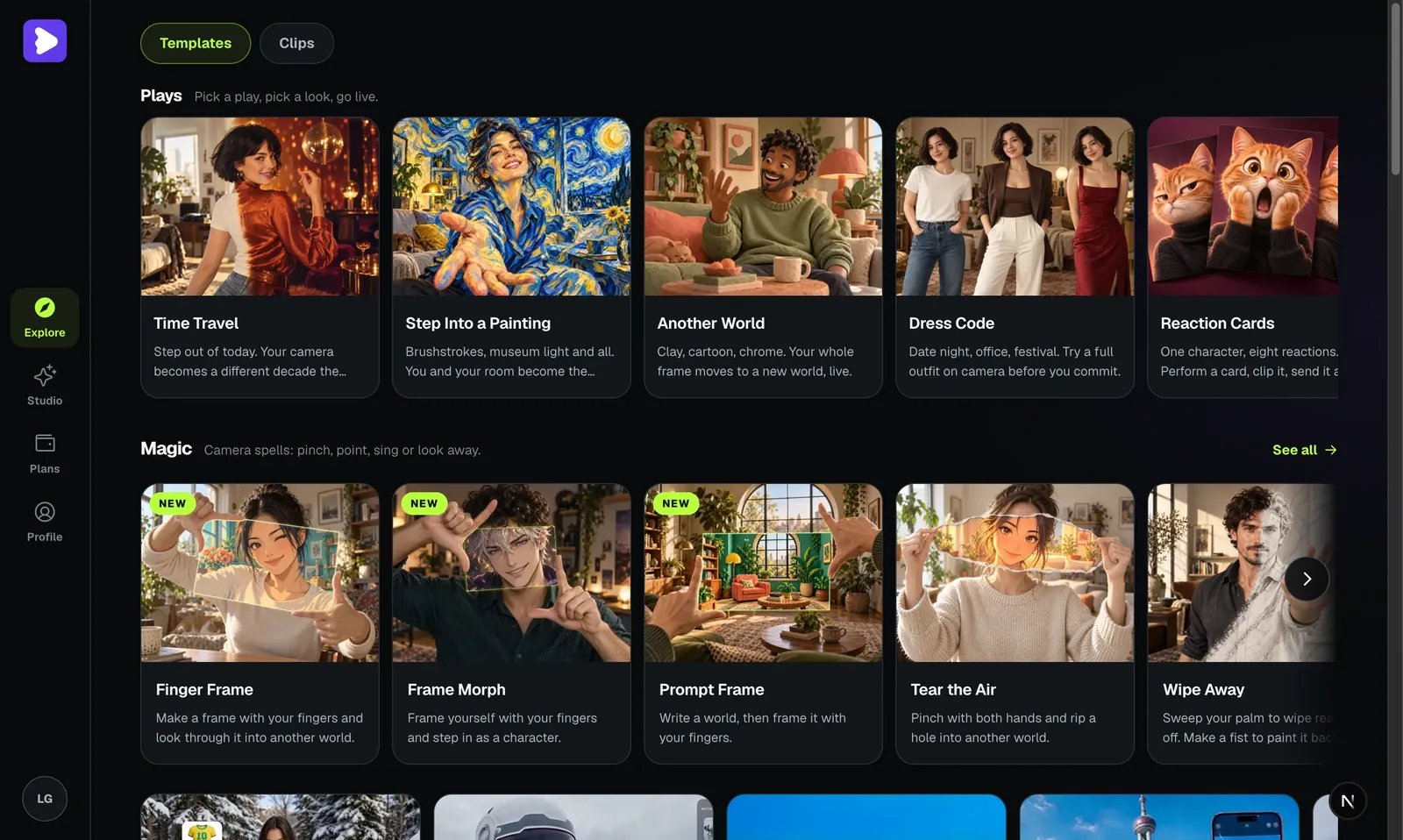
If you are not sure what kind of scene to stage, the Explore page is a quick way to browse formats before a session.
LiveGen is free to try. Generation is metered in credits, one credit per second of live video, and free exports carry a watermark that paid plans remove. Current plans are on the pricing page.
Oshi vs bias vs F/O: choosing the word that fits
These three words get swapped for each other in English posts, but each one does a different job.
Oshi vs bias. Bias comes from K-pop fandom and means your favorite member of a group. The structure around it mirrors the oshi family closely. An ultimate bias, or "ult," is your top pick across every group you follow, which is roughly what Japanese fans call a kamioshi. A bias wrecker is the member who keeps threatening to take the top spot, a slower cousin of oshihen, the full switch of allegiance. Loving the whole group equally maps onto hako-oshi. The practical difference is emphasis: bias describes who you prefer, while oshi describes who you put effort behind.
Oshi vs F/O. An F/O is the character someone self-ships with, so the word always carries a relationship frame and the character is always fictional. An oshi needs neither. Your oshi can be a real performer, and the bond can be closer to how you would talk about a favorite athlete. The content looks different too. Oshi posts celebrate the oshi: a birthday table, a concert haul, a milestone count. F/O posts are about the pairing, "me and them" in one frame. The same character can be both for one fan, and in that case the clip you film decides which word applies. A character landing on your desk next to their own birthday cake is oshikatsu. A shared scene staged as a couple moment is self-ship content.
Real idols, VTubers, and streamers: whose likeness you can use
Plainly: do not use a real person's likeness without their permission. That covers idols, actors, athletes, and streamers, and it covers VTubers too. A VTuber's avatar is a performer's working identity and someone's commissioned art, so treat it the same way you would treat a photo of a real person.
The safe cases are fictional characters and your own original characters. If your oshi is a real performer, there are good options that do not involve their likeness at all: film your merch display, summon a preset character or your own OC as a party guest for the birthday table, or make a Style Morph clip of your setup in the oshi's signature color.
LiveGen moderates uploads and a Content Policy applies. Real people are allowed only with their consent. Never present a clip as a real appearance or an official collaboration. Label it as a fan-made camera effect.
Where a summoned oshi clip still falls short
- ✓It is a camera composite. The character exists in the video, not in the room. Nothing is projected, and you cannot touch or hand anything to them.
- ✓Fine detail is softer. Costume lettering, tiny accessories, logos, and detailed hands can blur or shift between frames. A character with a bold, simple silhouette holds up better than one covered in small print.
- ✓Fast motion costs quality. Quick gestures and camera shake smear more than slow, steady movement. A phone stand helps.
- ✓One reference image is all the engine knows. Angles or outfits that are not visible in the reference are filled in, and the result may not match canon.
- ✓No voice, no script. The character reacts to hand gestures. It does not speak, sing, or perform lines, and no audio is generated.
- ✓Seconds are metered. Live time uses credits, so plan the shot before you press Start instead of rehearsing on camera.