Key takeaways: comfort characters in everyday fan life
- The label describes what a character does for one fan, not how important that character is in the story. Side characters, villains, and mascots all qualify.
- It is a different thing from an F/O, the fictional other someone self-ships with. An F/O comes with a relationship frame, and a comfort character needs none.
- The day-to-day practice is small and repeatable: a saved scene, a plush by the monitor, a playlist, a lock screen.
- Summon puts a character into your live camera feed while you move. It is a camera composite, not a hologram, and fine detail is softer than in an offline render.
- This article describes what fans say and do. It makes no health claims, and LiveGen is not a wellness product.
How the comfort character habit works, from rewatches to a live desk scene
Our glossary has the short version of what a comfort character is, including where the phrase came from. This article is about the practice: why fans say they keep one, and what that looks like on an ordinary weekday.
Ask fans why, and the answers repeat. "I know exactly what he would say." "She was the character I was watching during a hard year." "Nothing about them surprises me anymore, and that is the point." Those are fans' own descriptions, and they share a theme: the character is a known quantity.
The habits built around that reason are easy to recognize:
- ✓Rewatching on purpose. Not the whole series, but specific scenes or one comfort episode, often saved in a playlist or bookmarked by timestamp.
- ✓Screenshots within reach. A folder on the phone, a lock screen, a pinned image in a private chat with yourself.
- ✓Fan art, made or commissioned. Drawing the character doing ordinary things is a staple: making tea, reading, sitting nearby. Fans who do not draw save other artists' work into a dedicated folder or commission a piece.
- ✓Desk shrines. An acrylic stand, a small figure, a plush, and a postcard or two next to the monitor. Some are elaborate. Most are three objects and a sticker.
- ✓Playlists. Songs that "sound like" the character, shared with a cover image and a track order that tells a small story.
Almost all of this is still imagery. When fans want the character in motion, the usual route is a video edit or an AI video tool, and both are batch work: you upload the source, a server renders every frame of the clip offline, and a file comes back minutes later. If the pose or framing is off, you adjust the input and render again.
Live generation is a different loop. Your camera streams to LiveGen's real-time engine over WebRTC, and the transformed video streams back while the input is still happening. Frames are generated continuously, so when you shift the laptop or reach toward the character, you see the change as you make it and correct the shot in the moment. The cost of that responsiveness is polish. Small text, fine patterns, hands, and fast movement tend to look softer than they would in a slow offline render, and you should expect that going in.
How to bring a comfort character onto your desk with Summon
Summon places a virtual character into your real room on the live feed, anchored to a surface, and the character reacts to hand gestures. For a walkthrough of scenes that suit this, see a comfort character on your desk. The basic session looks like this:
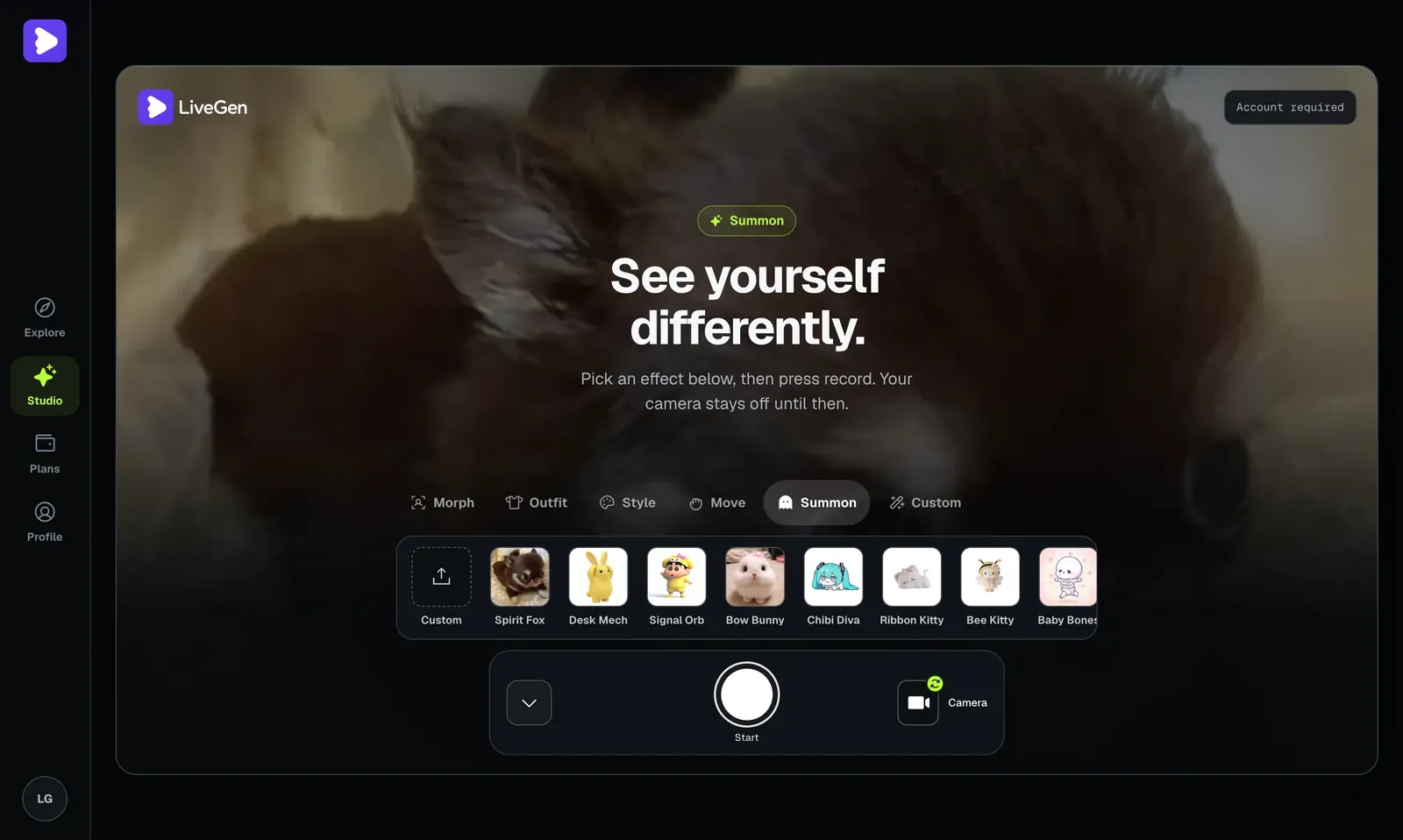
LiveGen is free to try. Generation is metered in credits, one credit per second of live video. Free exports carry a watermark, and paid plans remove it and add HD. See pricing for current plans.
Comfort character vs F/O: same character, different question
The two terms overlap often enough that people merge them, but they answer different questions. "Comfort character" answers "who do you go back to?" and "F/O" answers "who do you imagine a relationship with?"
That difference shows up in what fans make. Comfort character content is usually the character alone, or the character in a quiet everyday scene: a moodboard, a rewatch list, a drawing of them asleep on a couch. F/O content is about two people. It shows the fan, a self-insert, or a persona beside the character, and it uses couple framing, shared captions, and anniversary posts.
It also shows up in how fans talk about them. A comfort character can be shared freely: a whole fandom can claim the same one and enjoy that. F/O spaces have more etiquette, because some self-shippers prefer not to see others paired with their character. And a comfort character can be platonic, parental, or just funny.
One character can hold both roles for the same fan. When that happens, the framing of a Summon clip follows the role. A character sitting quietly by your keyboard while you work is a comfort character scene. A staged greeting or a shared toast is closer to self-ship content.
Comfort character ideas: who fans pick, and a second way to film them
If you are new to the term and wondering whether you already have one, these are the types fans name most often:
- ✓The steady mentor. Calm voice, consistent advice, never the one who panics.
- ✓The loud optimist. The character whose scenes you rewatch because they are fun every time.
- ✓The quiet side character. Few lines, but every one of them lands for you.
- ✓The villain with a routine. Fans often pick antagonists for their composure, not their plans.
- ✓The mascot or creature. No dialogue needed.
- ✓Your own original character. An OC you have drawn for years counts as much as anyone from canon, and it is also the simplest case for uploads, since the design is yours.
Summon is not the only mode that fits. Live Morph goes the other direction: you appear as a character from one reference image, and their expressions and movement follow yours. Fans use it like a quick costume, for example reading a favorite line to the camera as the character.
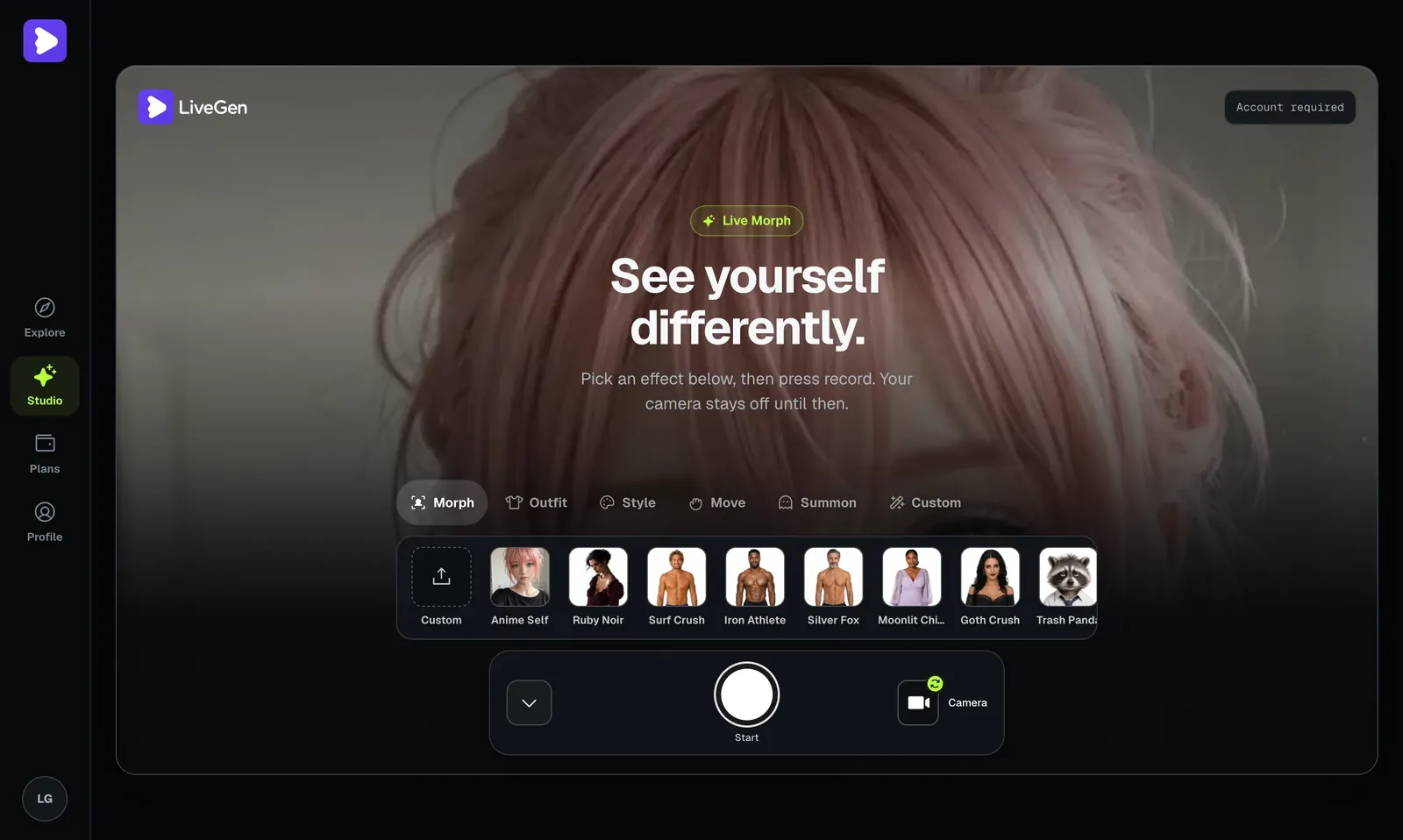
Whichever mode you use, uploads are moderated and a Content Policy applies. Stick to fictional characters and your own designs. A real person's likeness is only acceptable with their consent.
What a comfort character on camera cannot do
- ✓The character is in the video, not the room. Summon is a camera composite. Close the tab and the desk is empty.
- ✓It does not talk, listen, or chat. The character reacts to hand gestures only, and no audio is generated. LiveGen is not a chatbot or a companion app.
- ✓It is not a substitute for support from people. This article makes no therapeutic claim, and neither does the product. Treat a desk scene as fan content, the same shelf as a drawing or an edit.
- ✓Detail wobbles. Hair ornaments, small emblems, patterned fabric, and fingers can shift between frames. Simple designs with strong shapes hold together best.
- ✓Canon accuracy depends on one image. Whatever the reference does not show, the engine fills in, so a back view or a different outfit may not match the source.
- ✓Sessions are metered and connection-dependent. Each second of live video uses a credit, and a weak connection shows up as lag or softness. It is a scene you film, not something to leave running all day.