"What would I look like as a man / as a woman?" reaction clips
The classic short-video format for TikTok, Reels, and Shorts, except your reaction and the transformation happen in the same take.
Try a gender swap filter live, free, with nothing to install. Open your camera and watch your face transform in real time — every frame, live, right in the browser tab you're already on.
Grant camera access (or upload a photo instead) and see your live feed appear instantly.
Tap the filter and watch your features shift in real time.
No render queue, no waiting. The swap updates frame by frame as you move and talk.
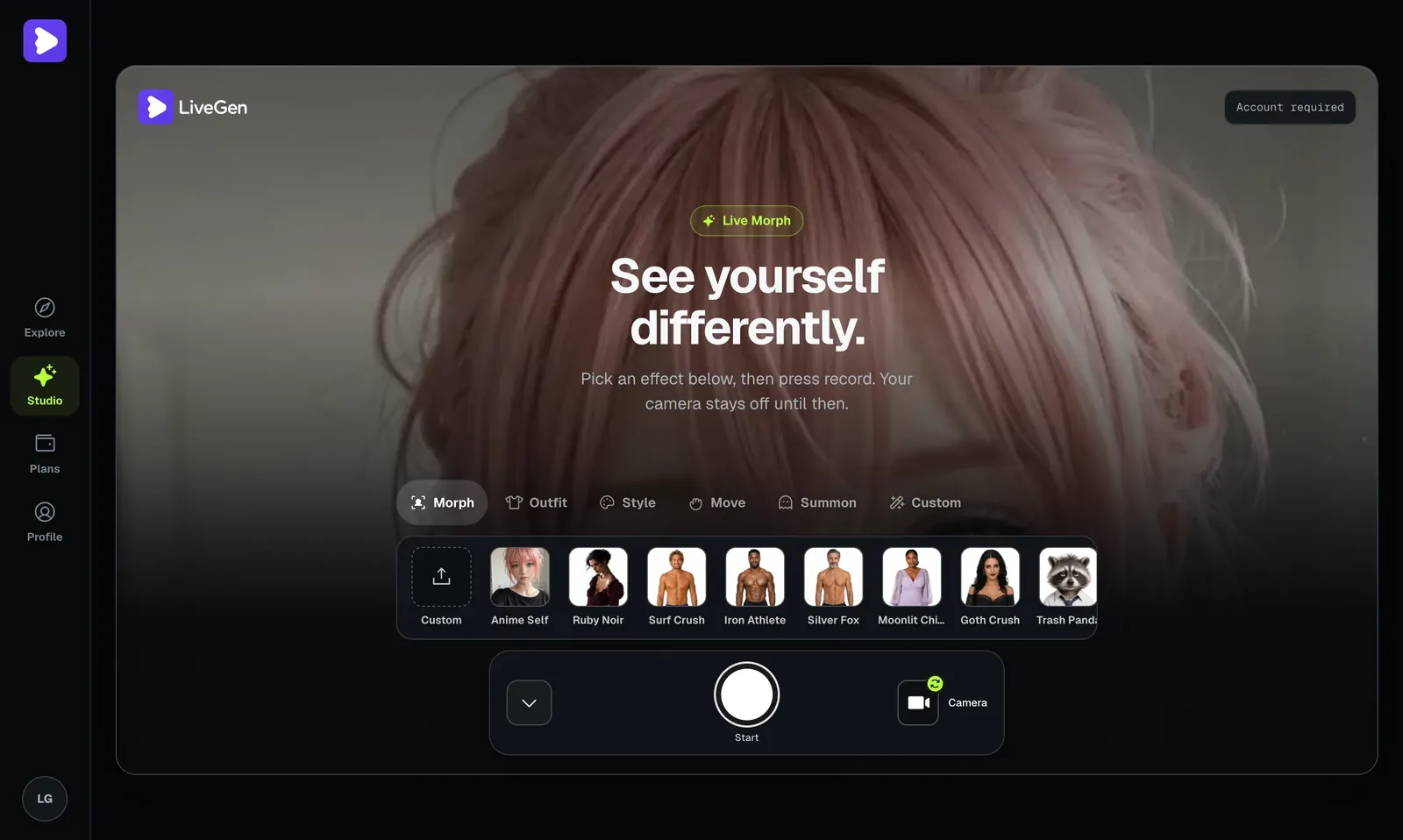
A live gender swap filter is more flexible than a one-shot photo edit, because it reacts to you in motion. Here are concrete things people make with it:
The classic short-video format for TikTok, Reels, and Shorts, except your reaction and the transformation happen in the same take.
Swap your gender, introduce your "brother" or "sister" to the camera, then cut back to yourself for a running gag.
Start unfiltered, snap the gender swap on with a beat drop or a hand wipe, and let the change land on camera instead of in a render queue.
Cosplay a genderbent version of a character, then talk and gesture in-character while the face gender swap tracks your expressions.
Drop into a Twitch stream, a Discord call, or a group chat wearing a different presenting face and react to friends in real time.
Record the swapped version, then film your real self reacting to it side by side.
Because it runs on your live feed, you can also just play — turn your head, smile, mouth along to audio — and watch how the gender filter live tracks each movement instead of freezing a single pose.
Most tools that promise a gender swap online are upload-and-wait: you pick a photo, submit it, watch a progress bar, and get back one processed still. That's fine for a single portrait, but it can't react to you, it can't hold up in a video, and every new angle means another upload.
LiveGen is the other model. Your camera streams over WebRTC, the transform is applied frame by frame, and the result renders straight into a video element as you move. There's no export queue between you and the result — you see the gender swap the instant you turn it on, and it keeps tracking as you talk, tilt your head, or step back from the lens. That live loop is what makes reactions, transitions, and streaming possible: the moment is happening on camera, not being reconstructed afterward. If you'd rather run it on a still, upload works too — but the reason to reach for a live gender swap filter is that it moves with you.
A sticker-style gender filter pastes fixed features — longer lashes, a jawline shadow — on top of your face and hopes they stay aligned. An AI gender swap works differently: a generative model reads each frame, understands the structure of your face, and redraws it as the other gender — hairline, jaw, brows, skin, all re-rendered together so the result reads as a coherent face rather than decals on your own. That's why the effect survives a head turn or a laugh instead of sliding off.
LiveGen runs this generative pass on every frame of your live feed through its real-time engine, which is what separates a genderswap filter that works on video from one that only works on a lucky still. The same pass runs on an uploaded photo when you'd rather start there — one frame is just the easy case of the live loop. If you're comparing tools, this is the question to ask: does it re-render the face, or decorate it?
For the mechanics in more depth, including why edges like hairlines and glasses are the hard part, read AI gender swap, explained.
Start transforming immediately, no credit card required. New users get free credits to try it. Billing is 1 credit = 1 second of generation (verify current pricing).
Most gender swap tools make you upload and wait for one processed image; LiveGen updates live as your camera streams.
Your smile, blink, head turn, and lip movement carry through to the transformed face, so it reads as you rather than a frozen mask.
Works on desktop and mobile browsers, nothing to download or install, no plugin and no GPU on your side.
Try it live on camera, or apply the face gender swap to an existing photo.
Save your result or share it in one tap the moment you're done. Free exports carry a watermark; paid tiers remove it and add HD.
Making "what would I look like" content for TikTok, Reels, or Shorts.
Who wants a quick, low-stakes way to see a different version of their face.
Looking for a live reaction moment instead of a static filtered photo.
Who want a genderbent look that holds up while they talk and move on camera.
Soft, front-facing light gives the model clean structure to re-render; harsh side light or backlight makes any gender switch filter drift.
The closer the model can read your features, the more stable the swapped face stays while you move.
Start with normal talking and head turns to see the tracking, then test laughs and fast turns — that's where sticker filters break and a generative swap holds.
Uploading works best with even light and no motion blur, same as the live path.
The swapped feed renders into a standard browser video element, so OBS, Streamlabs, Zoom, Discord, or Teams can capture the tab like any other source. That means the gender swap can be a live moment on Twitch, a bit in a group call, or a running character on a faceless channel — see how to add effects to your live stream for the routing steps.
Yes. Opening your camera and running your first gender swap is free.
It's real-time. The filter updates live as your camera streams, not after an upload-and-wait cycle.
No. LiveGen runs entirely in your browser on desktop or mobile.
Yes. Upload a photo if you'd rather apply the gender swap to a still image instead of your live camera.
Yes — that's the point of running it live. The filter tracks your expressions and head movement frame by frame, so it holds up as you turn, smile, and speak rather than snapping back to a single pose.
Yes. Because it's real-time and browser-based, you can run the gender filter live during a stream or video call and react in the moment. See how to add effects to your live stream for setup ideas.
Yes. It runs in your mobile browser with your phone's front or rear camera — no separate app to install.
Your live feed is streamed over WebRTC only to run the swap in real time — it isn't stored, and nothing is saved or shared unless you choose to. Uploads are moderated under LiveGen's Content Policy.
Mostly marketing versus mechanism. "Gender swap filter" describes the effect; "AI gender swap" describes how the good ones work — a generative model re-rendering your face rather than overlaying stickers. LiveGen is the AI kind, applied live.
Yes. Gender bend filter, gender switch filter, and gender swap filters all name the same effect. The differences that matter are whether the tool is AI-generated or a sticker overlay, and whether it runs on a photo or on live video.
Some people search for it under that name, but it is an entertainment effect, not a statement about anyone's identity and not a prediction of how a person would look after transition. Please use it on yourself, or on others only with their consent.
It runs online in the browser with nothing to install. Live generation is metered in credits, one credit per second; see the pricing page for what is currently included before you pay.
Yes — that's exactly what this is. Most genderswap filter tools process one uploaded photo; LiveGen runs the swap on your live camera stream frame by frame, and handles photos too.
Yes. Toggle the gender switch on and off, or jump to another effect like the anime filter or a full character morph, without reloading — it's one engine under all the modes.
Open your camera and play any character live — free to start.
Start generating free